Features are no longer the primary differentiator in the crowded mobile marketplace. Instead, the focus has shifted toward the total experience. Your users expect a mobile application to feel intuitive from the first touch and remain responsive across devices.
When usability breaks down, even technically robust applications struggle with retention and fail to deliver sustained value.
Mitigating these risks requires aligning UX design with comprehensive software testing services that prioritize the end-user as much as the code itself.
Here is where mobile usability testing tools become essential, closing the gap between design intent and actual user behavior. These platforms provide the visibility required to see how your users navigate screens and interpret content. You identify friction points across distinct operating systems before they impact your bottom line.
Selecting the right tools and knowing how to apply them effectively requires more than a surface-level understanding of their features.
Our guide explores the leading usability testing tools for mobile apps, ensuring engineering leaders and product owners understand where each category fits and which specific problems they resolve.
Key Takeaways
- UserTesting: Captures qualitative user commentary through task-based moderated and unmoderated sessions.
- UXtweak: Validates navigation clarity and user comprehension during early-stage prototype testing.
- Lookback: Enables real-time, live observation of users interacting with both prototypes and production apps.
- Maze: Integrates with design tools to test user flows and navigation paths before development begins.
- OptimalWorkshop: Verifies information architecture and menu structures through specialized card sorting and tree testing.
- Hotjar: Offers visual heatmaps and session recordings to identify where users drop off in mobile web and hybrid apps.
- Appsee: Delivers mobile-native qualitative analytics, including touch heatmaps and real-time user session replays.
- LogRocket: Combines session replay with technical telemetry to help developers fix UI glitches and performance bottlenecks.
- UXCam: Automatically captures all user sessions and screen transitions to map out the complete user journey.
- FullStory: Tracks every digital interaction to provide a holistic view of user struggle and conversion friction.
Top Remote & Moderated Mobile App Usability Testing Tools
Choosing between remote platforms for rapid scaling and moderated sessions for customer insights is often a complex balancing act. Thus, leveraging specialized usability testing services alongside in-house tools is the best hybrid approach, offering a comprehensive view of the user journey.
Remote and moderated testing tools observe your users as they interact with mobile applications. They capture qualitative insights, such as hesitation or unmet expectations, which analytics alone cannot explain.
The top remote and moderated mobile app usability testing tools are:
1. UserTesting
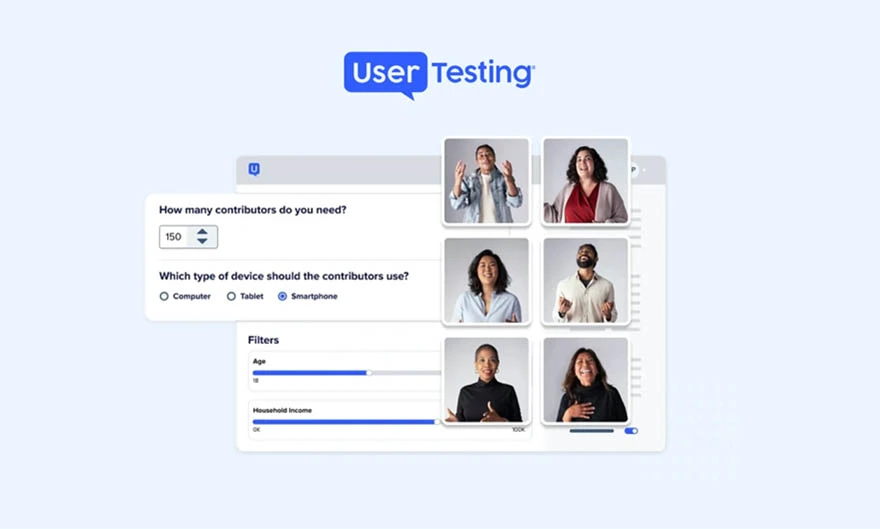
Observe how your users interact with mobile applications through moderated and unmoderated testing sessions. UserTesting validates usability assumptions during design reviews and pre-release testing. The platform offers video recordings and user commentary for qualitative insight.
Key Features
- Moderated and unmoderated mobile usability testing
- Task-based testing with structured feedback prompts
- Collaboration tools for sharing findings with stakeholders
- Screen, voice, face, and gesture recording for mobile interactions
Drawbacks
- High cost
- Limited customization
- Less suitable for continuous usability monitoring
2. UXtweak

UXtweak conducts structured usability research for mobile and web applications. You can use it to test navigation clarity and user comprehension through prototype validation and task-based testing.
Key Features
- Prototype testing for early-stage mobile designs
- Mobile-friendly usability testing with task completion tracking
- Heatmaps and click analysis for interaction insights
- Tree testing and card sorting for navigation validation
Drawbacks
- Less effective for testing fully live, production mobile apps
- Not designed for behavioral analytics at scale
- Limited real-time collaboration during testing sessions
3. Lookback
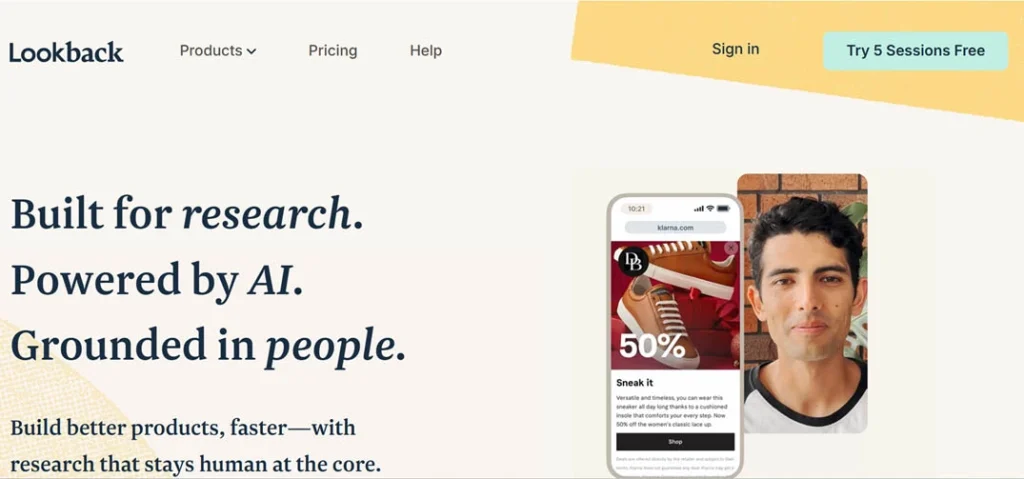
Lookback is designed for live and collaborative usability testing sessions, allowing real-time observation of real users interacting with your mobile app. It is particularly effective for cross-functional product and design teams.
Key Features
- Live moderated mobile app testing
- Supports both prototype and live app testing
- Real-time observer access for distributed teams
- Screen, face, gesture, and audio recording
Drawbacks
- Scheduling live sessions can slow research timelines
- Not suited for large-scale or continuous testing
- Dependency on participant availability and connectivity
4. Maze
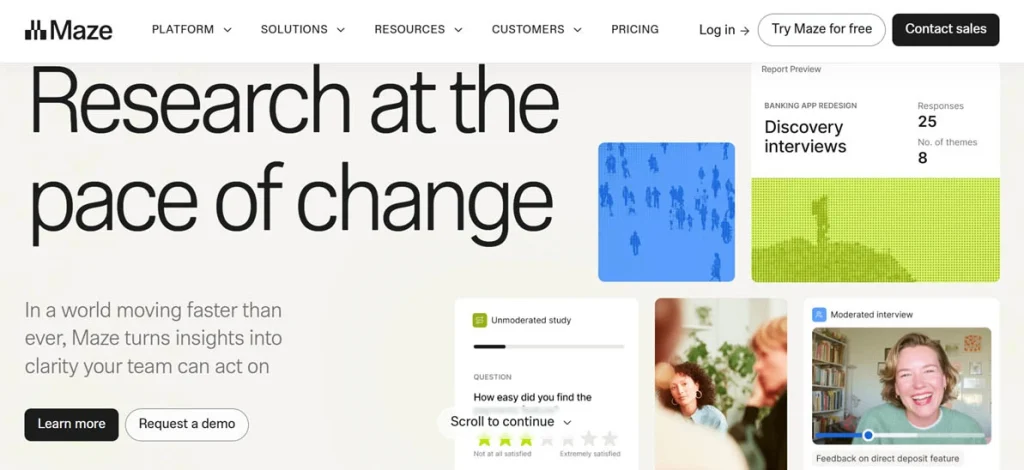
Maze integrates directly into design workflows and validates mobile usability at the prototype stage. Your teams can test flows and navigation before development begins.
Key Features
- Task success and drop-off metrics
- Native integration with Figma and other design tools
- Heatmaps and path analysis
- Rapid usability testing for mobile prototypes
Drawbacks
- Not designed for testing live mobile applications
- Not suitable for post-release usability monitoring
- Limited insight into real-world usage conditions
5. Optimal Workshop
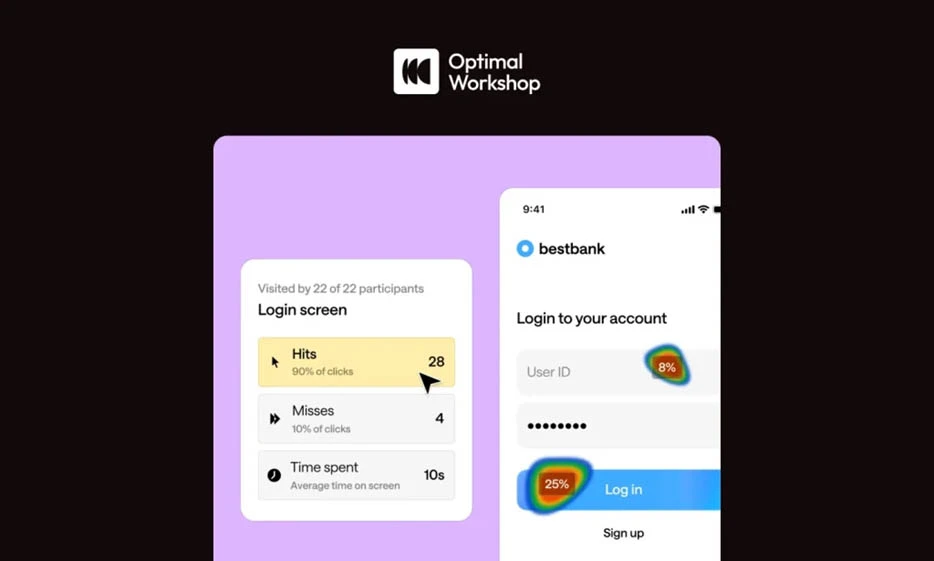
Optimal Workshop is a highly popular suite of usability tools used by researchers to benchmark how users navigate and categorize information. It verifies that your app’s menu structures and content hierarchies align with actual user mental models.
Key Features
- Treejack for tree testing
- OptimalSort for card sorting
- Chalkmark for first-click testing on mobile screenshots
Drawbacks
- Full access to all tools is expensive
- The interface is a bit clinical
Behavioral Analytics & Session Recording Tools
While moderated testing tells you what users say, behavioral analytics platforms show you what they actually do in a live production environment. These usability testing tools provide a continuous stream of data, allowing you to watch real user sessions to identify exactly where friction occurs.
Monitor these touch gestures and navigation patterns to understand the architectural or design flaws that lead to churn. For maximum benefit from these insights, integrate these tools alongside professional qa automation testing services. Together, they create a closed loop between user behavior and regression suites.
The top mobile usability testing tools for behavioral analytics and session recording are:
6. Hotjar (For Mobile Web & Hybrid Apps)

Hotjar provides visual insights that help your teams understand how users interact with mobile web and hybrid applications. It identifies content that is being ignored or UI elements that are confusing due to poor placement.
Key Features
- Dynamic heatmaps for scrolling and clicking behavior
- Targeted user surveys and feedback widgets
- Filterable session recordings by device type and OS
- Conversion funnel analysis to track drop-off points
Drawbacks
- Limited support for native mobile application frameworks
- Can impact page load speeds if not configured correctly
- A high volume of data can be overwhelming without specific KPIs
7. Appsee (Now Part of ServiceNow)
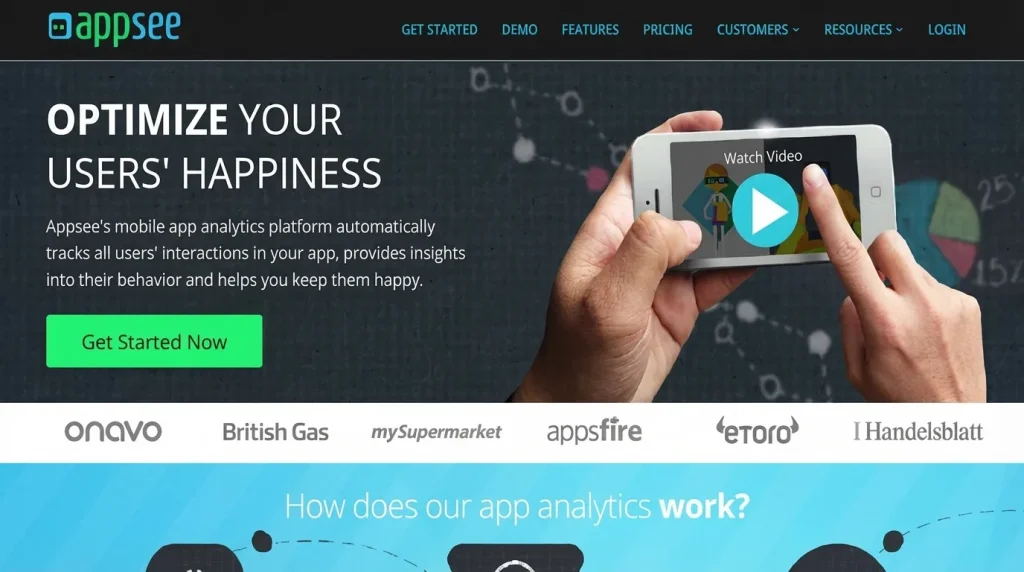
Appsee focuses on qualitative mobile app analytics, offering a unique look at your users’ physical interaction with the device. It is often paired with mobile app qa testing services to ensure that the user interface remains responsive across all hardware tiers.
Key Features
- Touch heatmaps showing every tap, swipe, and pinch
- Real-time user session replays for native iOS and Android
- Automatic event tracking for screen transitions
- Conversion and retention analytics based on user flows
Drawbacks
- A resource-intensive SDK can affect app performance
- Pricing is geared toward enterprise-level budgets
- Data privacy management requires careful configuration
8. LogRocket
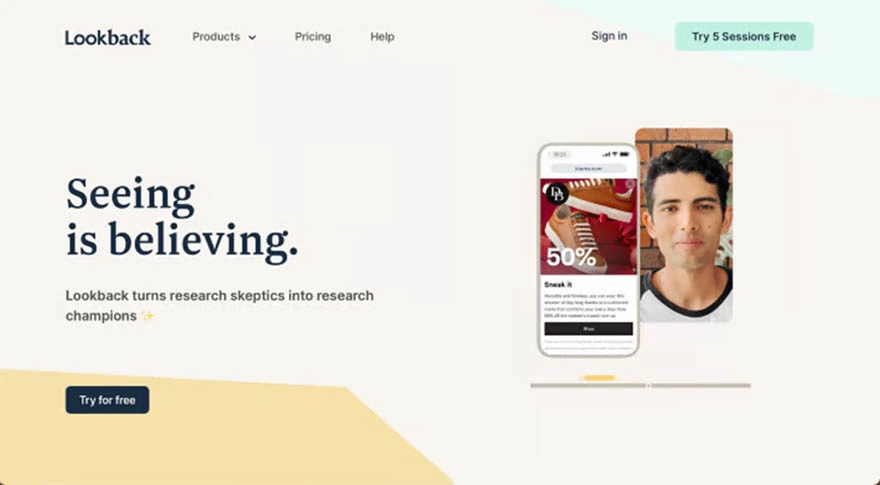
LogRocket combines session recording with technical telemetry. Your team sees the UI glitch exactly as the user experienced it while simultaneously reviewing the console errors and network logs. This tool is an integral part of security testing services, enabling the monitoring of suspicious activity within the user session.
Key Features
- High-fidelity session replay with pixel-perfect accuracy
- User struggle detection for identifying rage clicks
- Custom dashboards for tracking UX performance metrics
Drawbacks
- Complexity in setting up for highly secure environments
- High storage costs with high session volume
9. UXCam
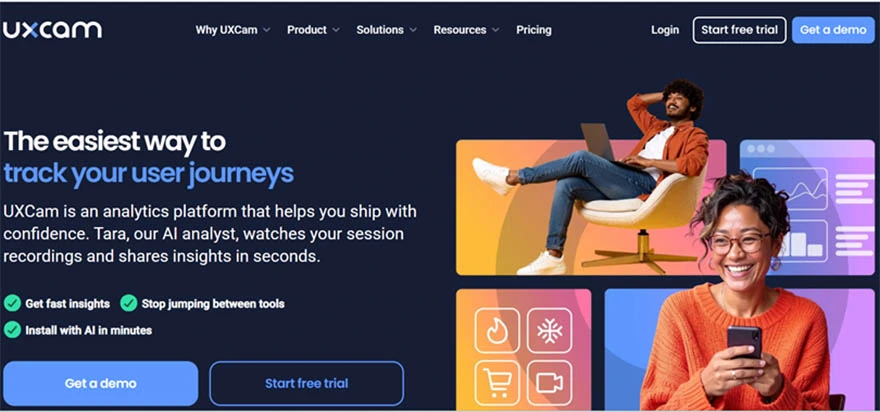
UXCam automatically captures all user sessions and screen transitions to map out the complete journey. It identifies hidden bugs that only appear in specific real-world usage scenarios.
Key Features
- Automatically captures all user sessions
- Screen-flow analysis to visualize common navigation paths
- Heatmaps for every individual screen within the application
- Faster debugging with crash reporting tools
Drawbacks
- Limited session capacity in the free version
- Some UI elements may require manual masking for privacy
10. FullStory
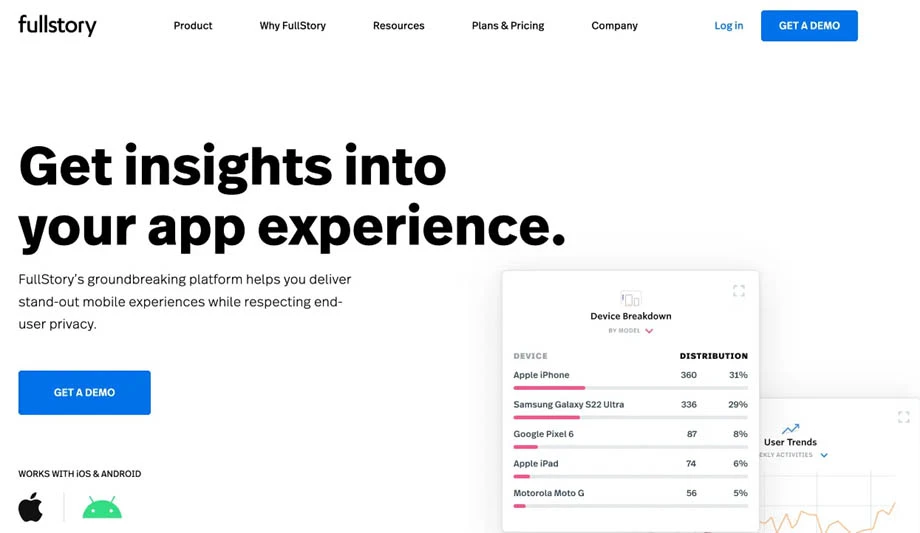
It tracks every interaction within your mobile app for a holistic view of the digital experience. When combined with cloud testing services, it helps you understand how infrastructure latency directly affects your users’ perception of quality and speed.
Key Features
- Omni-channel search for specific user interactions
- Frustration signals like rage clicks and dead clicks
- Segment-based analysis for different user demographics
- Masking of sensitive data
Drawbacks
- Higher price point
- Integration with legacy systems can be technically demanding
How Aegis Softtech Enables Effective Mobile Usability Testing
Tools alone cannot guarantee a usable mobile application. Its real value will only emerge when usability testing is embedded into your core delivery processes and aligned with your business objectives.
A partner can make it happen for you.
At Aegis Softtech, we approach usability as a core pillar of our software quality assurance testing services. Usability is not a one-time activity in our approach. Our team will design continuous testing frameworks that evolve with your product and customer response.
Our approach combines tailored testing strategies, intelligent selection and integration of the right testing tools, collaboration between QA (Quality Assurance), UX, and engineering teams, and actionable insights. All this translates directly into product improvements
We align usability testing with analytics and stakeholder priorities to reduce usability risk while accelerating time to value.
FAQs
Q1. How are mobile usability tools different from functional testing tools?
Mobile usability tools focus on how well a user can use an app by observing real users. Functional testing tools ensure the app does what it’s supposed to do according to requirements, with usability being a type of non-functional testing.
Q2. When should usability testing be performed for mobile apps?
Usability testing should be done continuously throughout the entire software development lifecycle, from early wireframes to post-launch updates. It helps catch issues early, saving costs and ensuring a smooth user experience across all stages.
Q3. Are automated tools enough for mobile usability testing?
No, automated tools alone are not enough for comprehensive mobile usability testing. Human feedback is a must.
Q4. What are mobile utility testing tools?
Mobile utility testing tools are software frameworks and platforms that automate and manage mobile app testing. These ensure that the applications work seamlessly across different devices, network conditions, and OS versions for better performance and user experience.
Q5. How do you test for mobile usability?
The process of testing mobile usability involves planning, choosing suitable methods, conducting tests with real users on actual devices, and analyzing metrics, such as completion rates and time-on-task.